Edit Order Integration - Payment
 ChatGPT
 Claude.ai
When editing order integrations, you can reflect it to your site as a single payment method even if you have different payment methods with the selected payment method.
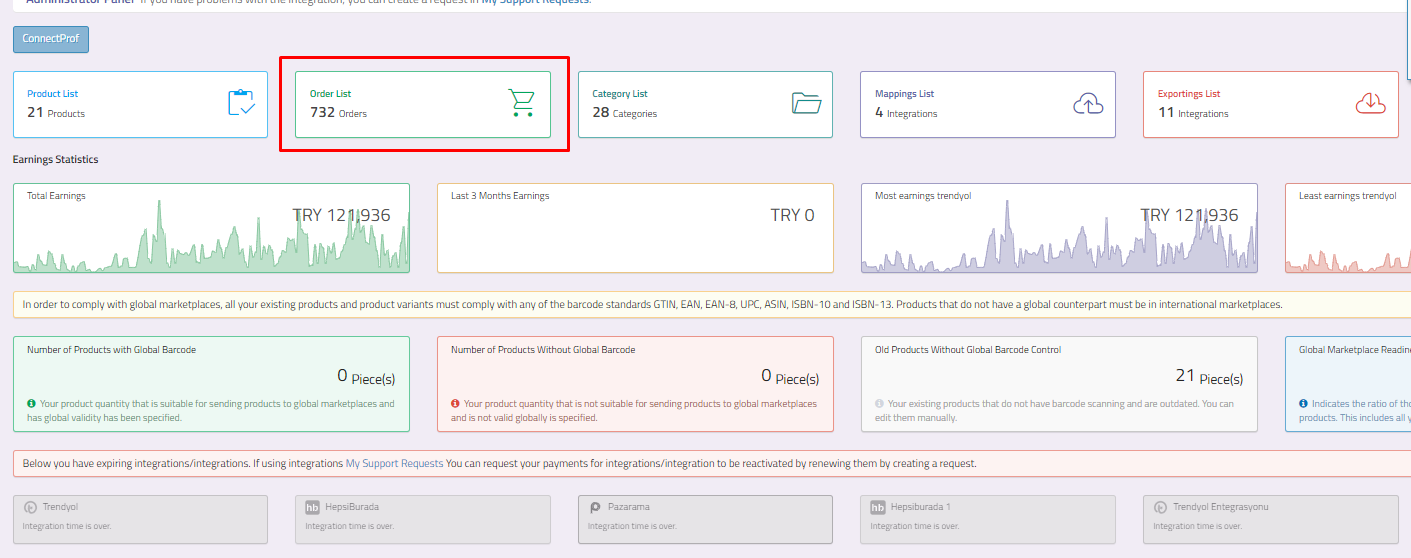
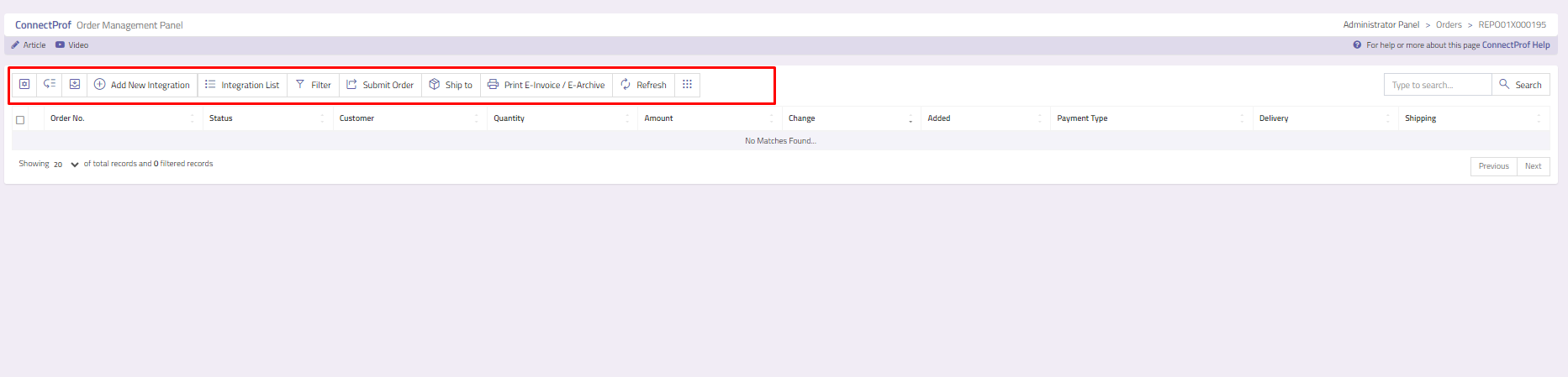
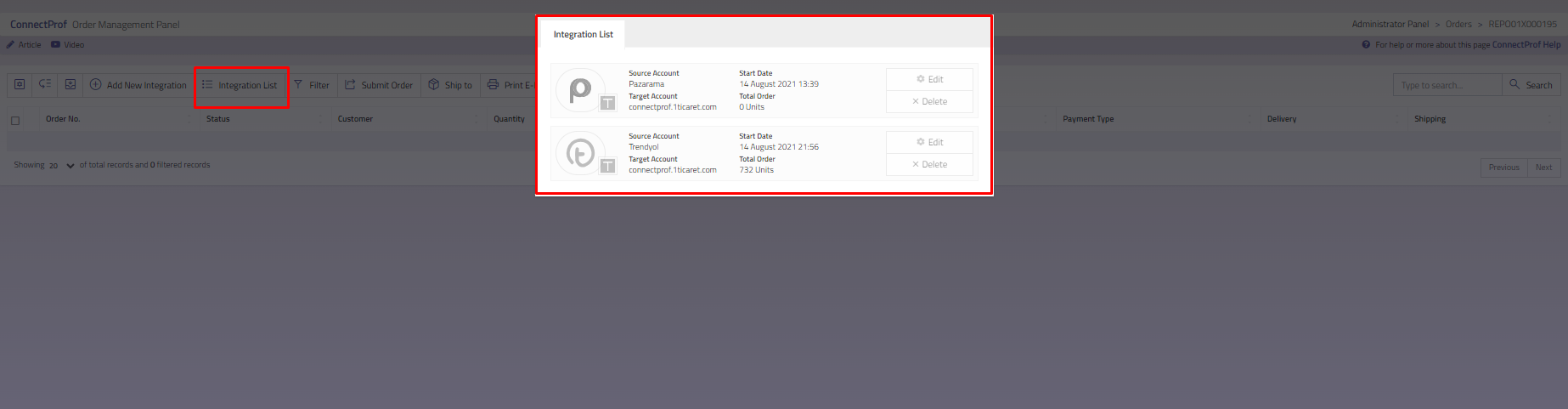
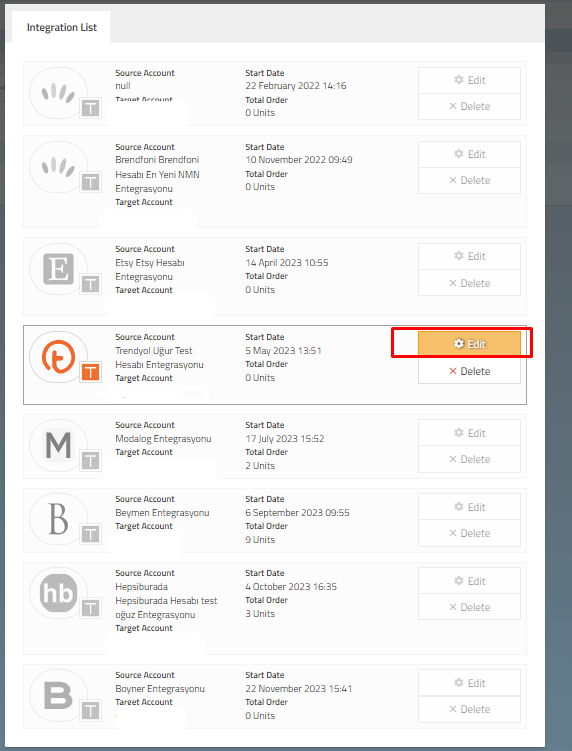
For payment method selection and update, click on Edit > Payment button from the window opened from ConnectProf Admin Panel > Orders > Integration List button.
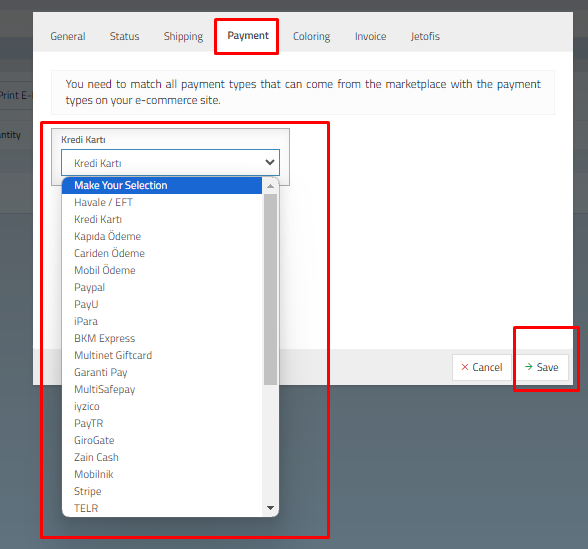
The payment method you added when creating a new order integration will be listed. You can make changes by selecting
After making changes, click on the "Save" button to save your information.
After this process, orders from the marketplace will be collected in your panel only as a payment method.
If you are using T-Soft infrastructure, when you transfer your orders in the ConnectProf panel to your T-Soft panel, the payment method you have selected will appear in the Payment method column on the T-soft Admin Panel > Orders page. You can check by opening the column.
