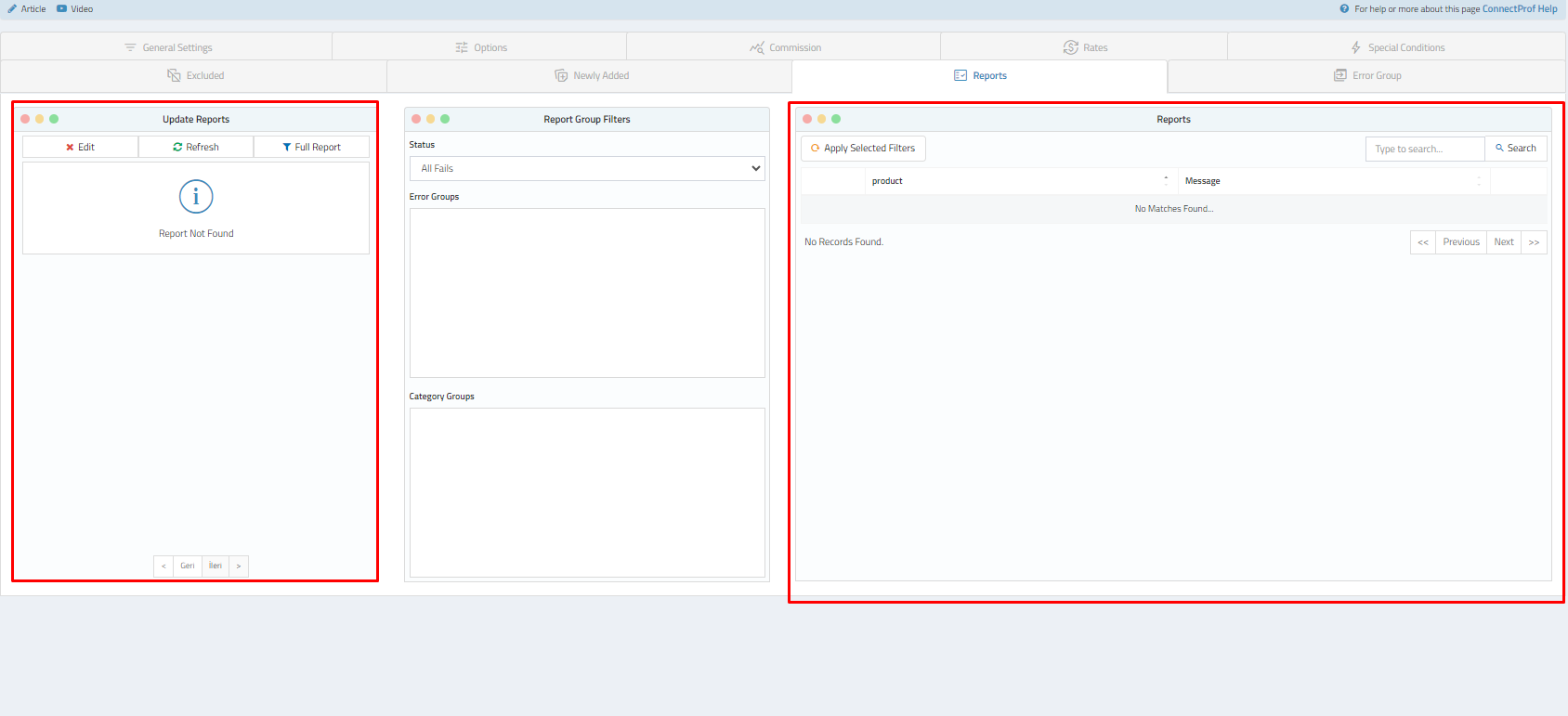
Export - Reports
 ChatGPT
 Claude.ai
With ConnectProf, you can easily transfer orders from your e-commerce site to a single panel and, if desired, transfer the collected orders in bulk to your e-commerce site as well. This way, your orders are automatically updated on your e-commerce site without the need for manual intervention in the stocks.
With ConnectProf's order sending structure, you can transfer multiple orders to your e-commerce site at the same time.
To transfer bulk orders to your e-commerce site, click on Administrator Panel > Orders page.
Your orders will be listed.
Select the orders you want to transfer by filtering.
Click on the "Send Order" button after making your selection.
After reading the warning, if the action and orders are suitable for you, click on the "Send Orders" button.
A confirmation pop-up will appear. Click on the "Confirm, Send" button.
After this process, your orders will be transferred to your e-commerce site.
Note: This feature can currently only be used for customers using the T-Soft infrastructure.
Note: Only the appropriate orders selected for the Bulk Order Sending process are listed.
Once you start the sending process, do not leave the page until the process is complete. Otherwise, the processes will be incomplete.
If the order transfers are successful, the number of successful orders will be displayed. Error codes will be generated for unsuccessful transfers. You can resolve error codes and retransfer them.
---
Let me know if you need further assistance!