Import Transfer
 ChatGPT
 Claude.ai
If you are using T-Soft e-commerce methods, you can transfer your products to ConnectProf management panel with API method.
With the API method, product transfer, updating and control of fields such as reports are done from the import page.
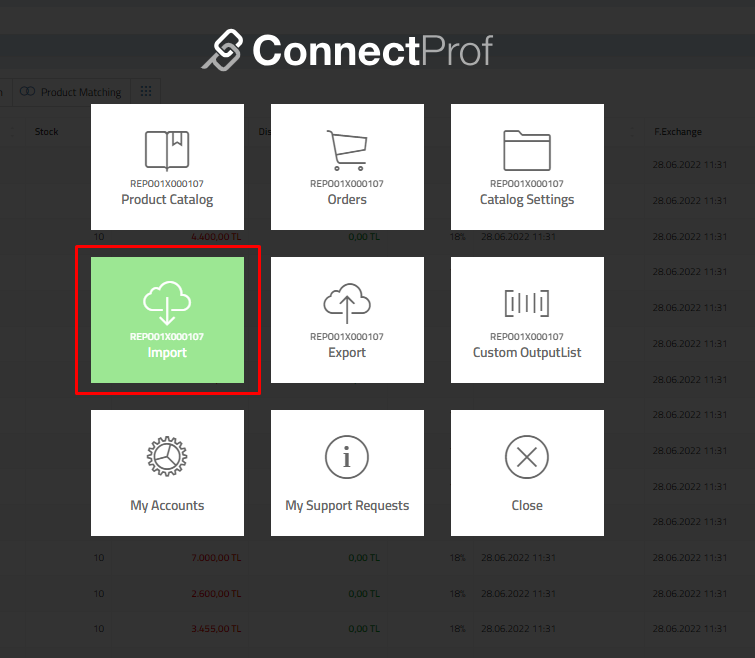
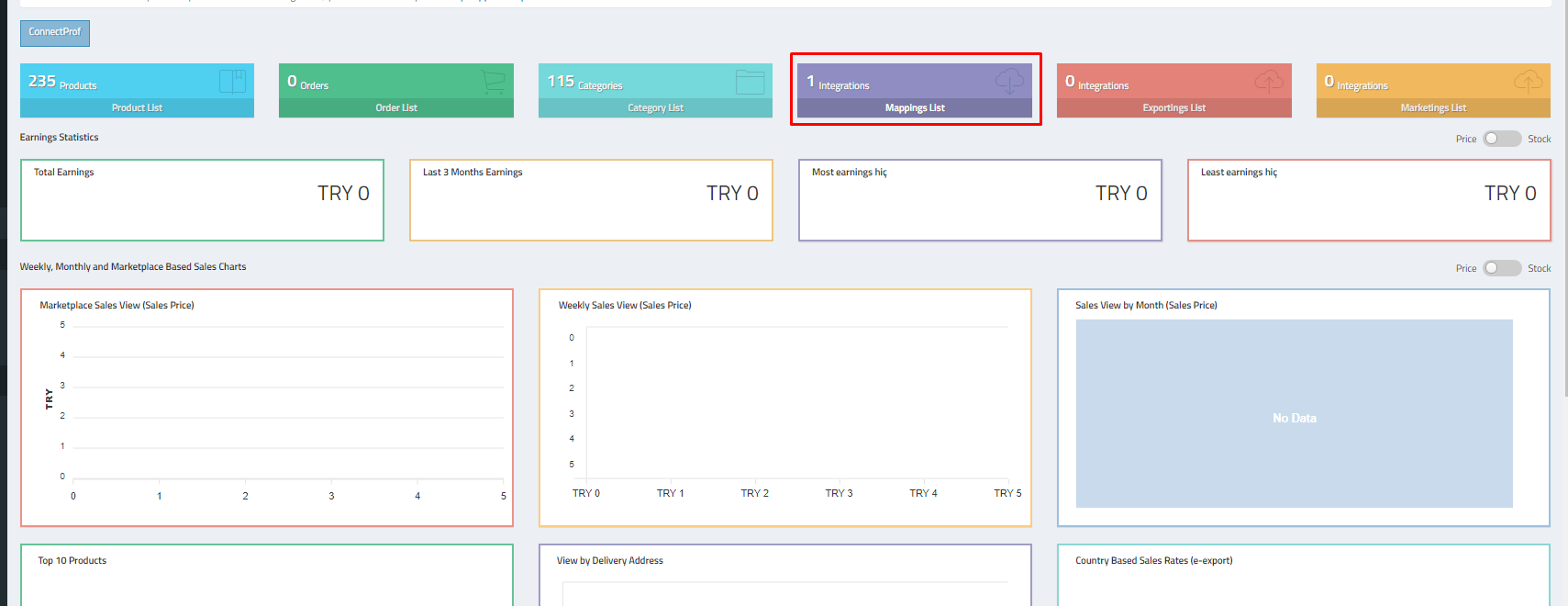
To access the import page, click on the Import page from the admin panel.
The imported integration list will open.
If you wish, you can switch to "Export" and "Custom Output List" pages from this page.
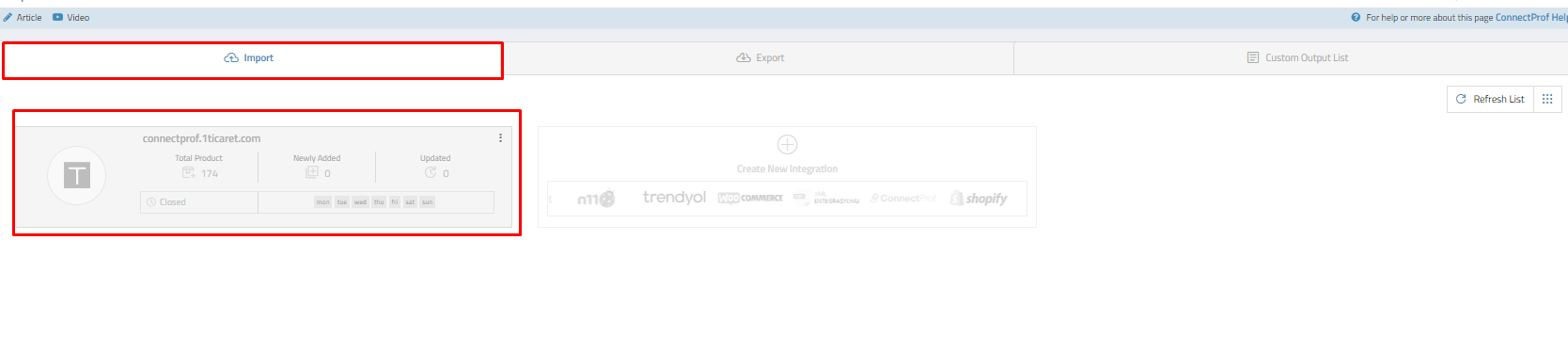
1. Import : If you want the products received from your e-commerce site to be transferred to ConnectProfa, you can make your settings, edit them and access the report of the transferred products.
There are Edit, options and reports area in the menu.
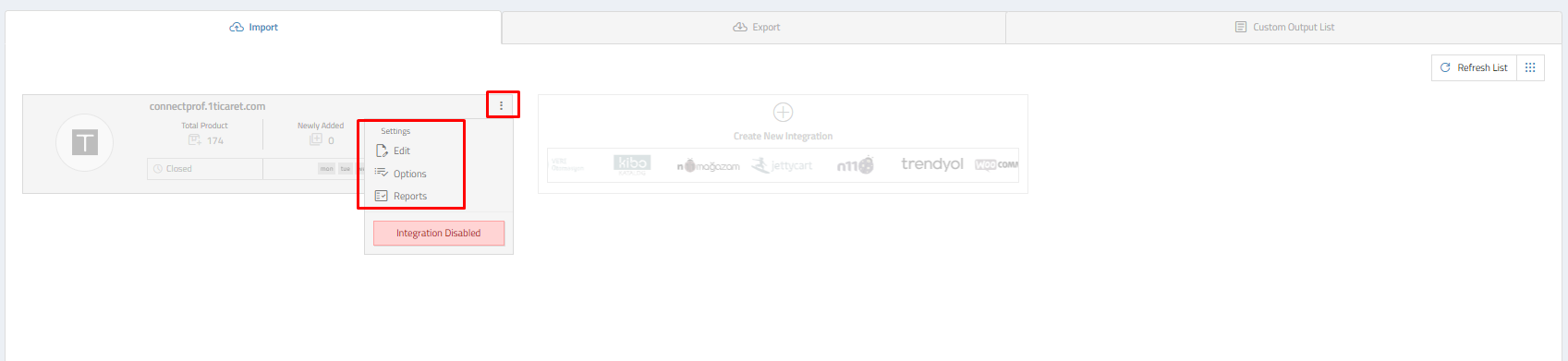
Editing : You can make adjustments how you want to transfer your products from the T-soft panel to the ConnectProf panel
You can review the article "Import - Editing Integration Settings" related to editing.
Click here to access the article.
Options All products updated on your e-commerce site will also be updated in the ConnectProf panel. You can select the fields you want to be updated here.
You can review the "Import - Options" article about options.
Click here to access the article.
Reports You can access the detailed information of the updated products from the reports area. You can check how many products or categories have been imported.
You can review the "Import - Reports" article about reports.
Click here to access the article.
2. Export : It contains the settings made before the products are transferred to the marketplace.
Click here for detailed information about export.
3. Custom Output List : It is the process of pulling the product list in the format designed according to the platform request.
Click here for detailed information about custom output list.
4. You can refresh the import page from the refresh list area.
5. You can switch between the hamburger menu and other pages with a single click.
You can access product catalogue, catalogue settings, orders, import, export, custom output list and package purchase pages from the menu.