Admin panel
 ChatGPT
 Claude.ai
With ConnectProf, you can transfer your products to the marketplace with a single click and track orders from marketplaces.
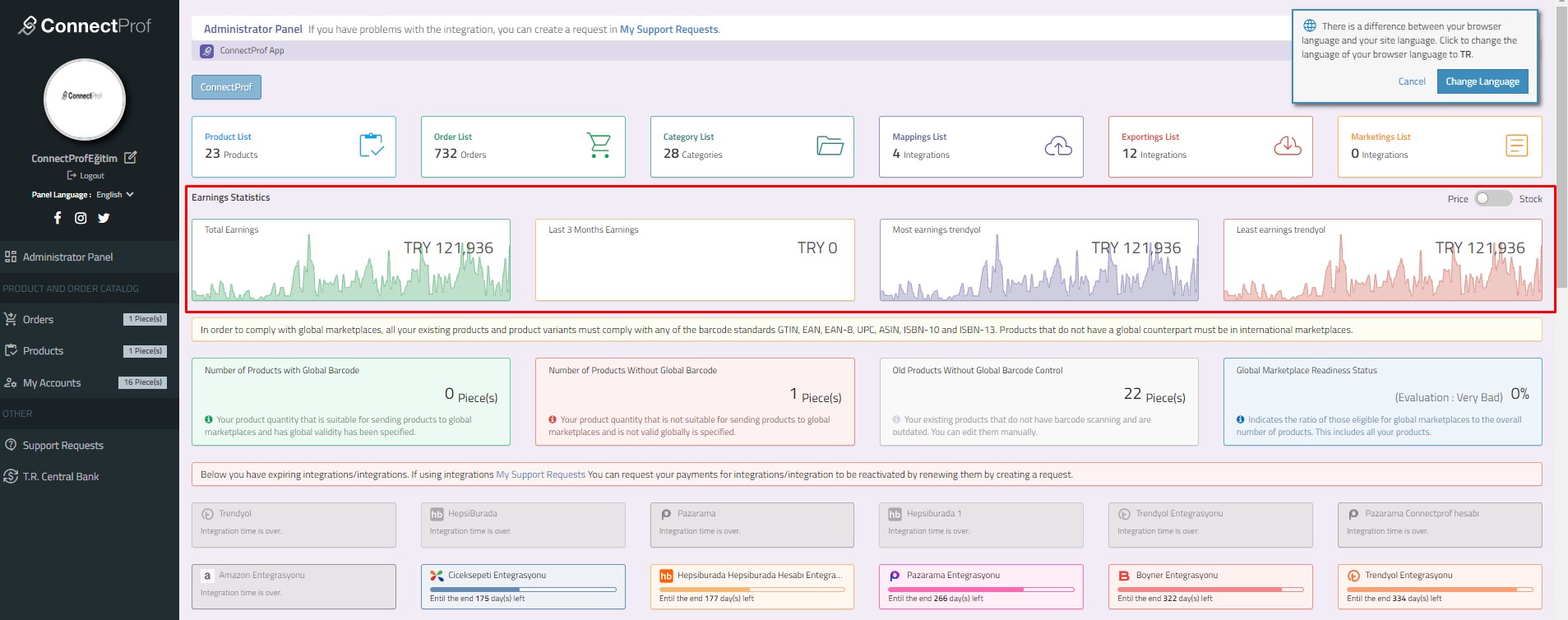
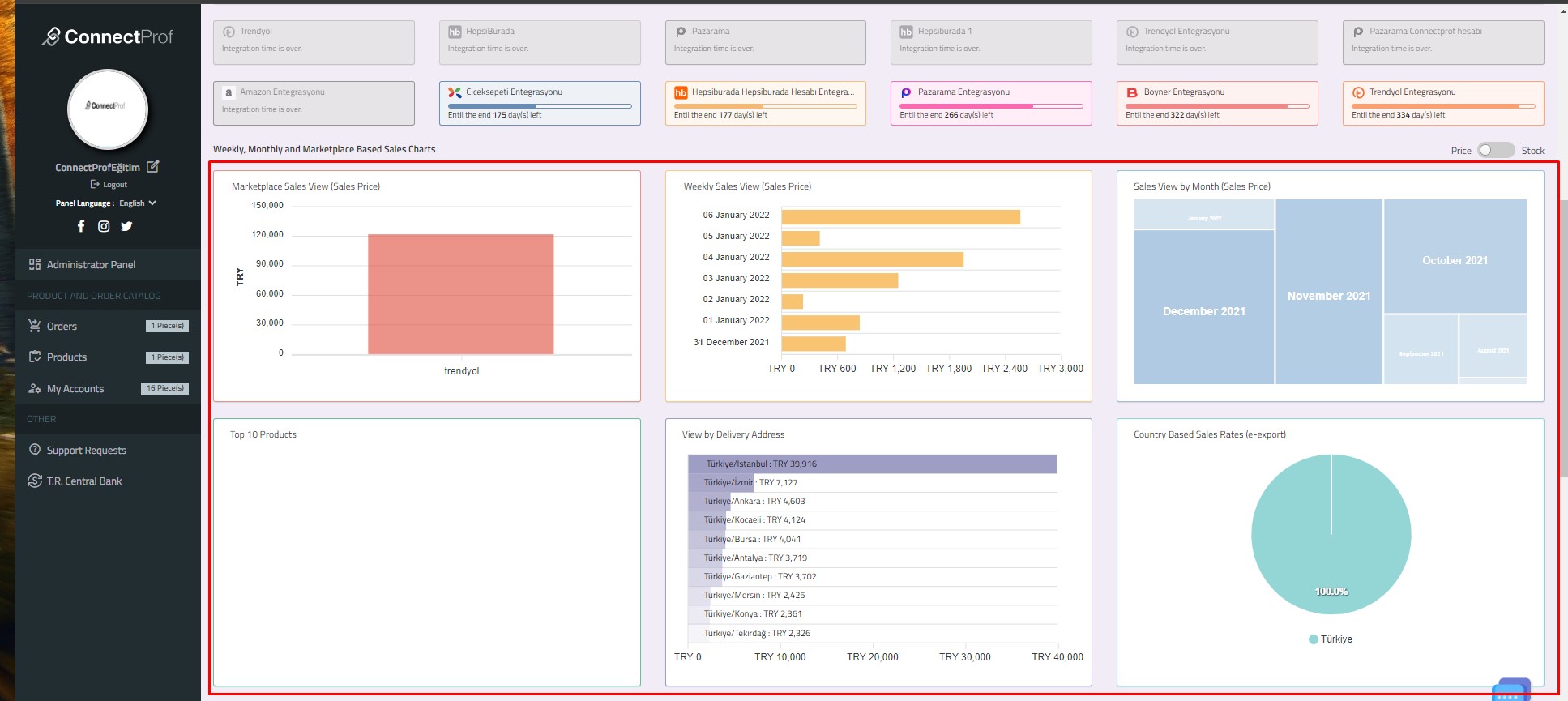
You can track many areas such as your earnings, best-selling products, monthly - weekly sales rates on a single panel.
To review the panel, log in to the ConnectProf Admin panel.
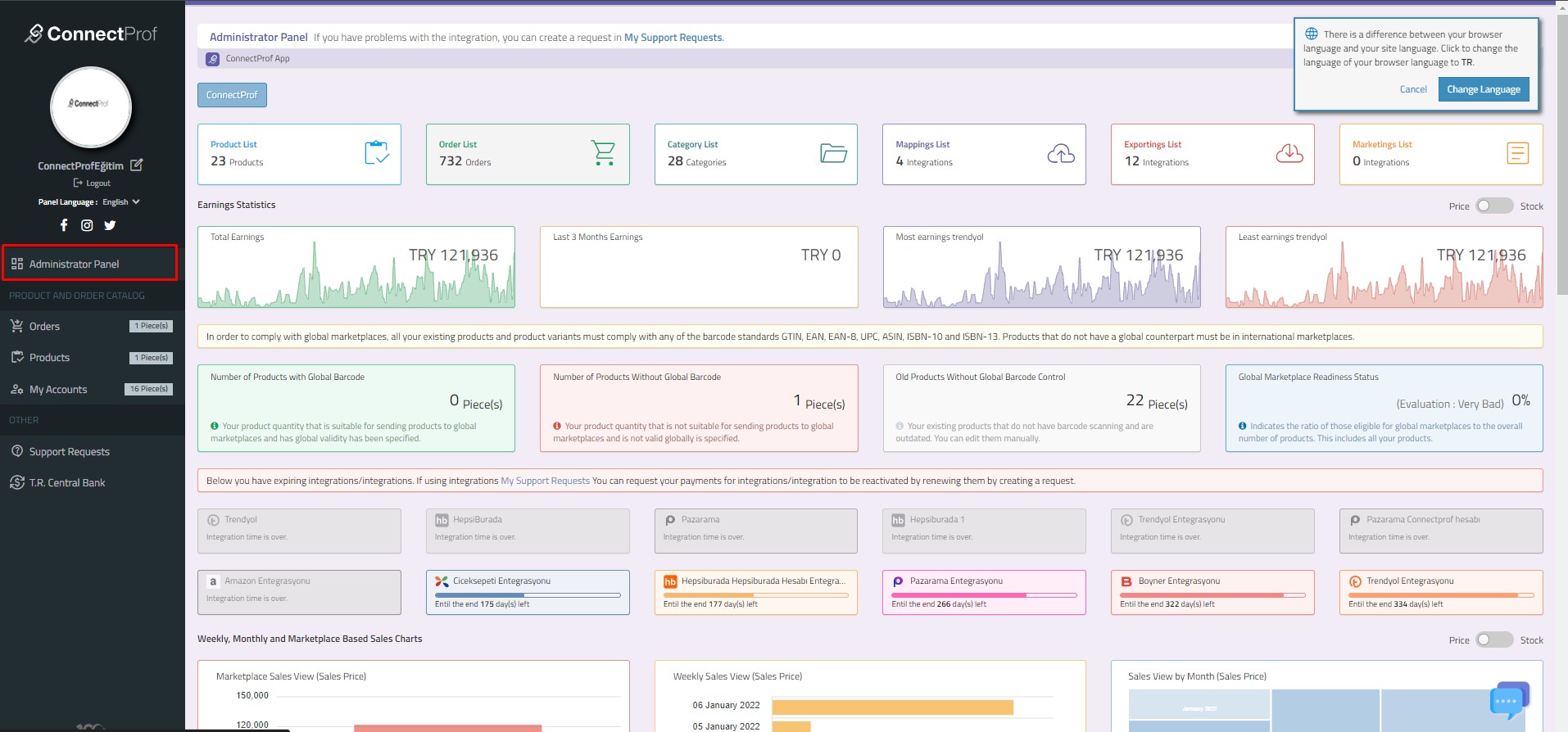
The admin panel will open.
In this area there are product list, order list, catalog settings, import, export and marketing outputs.
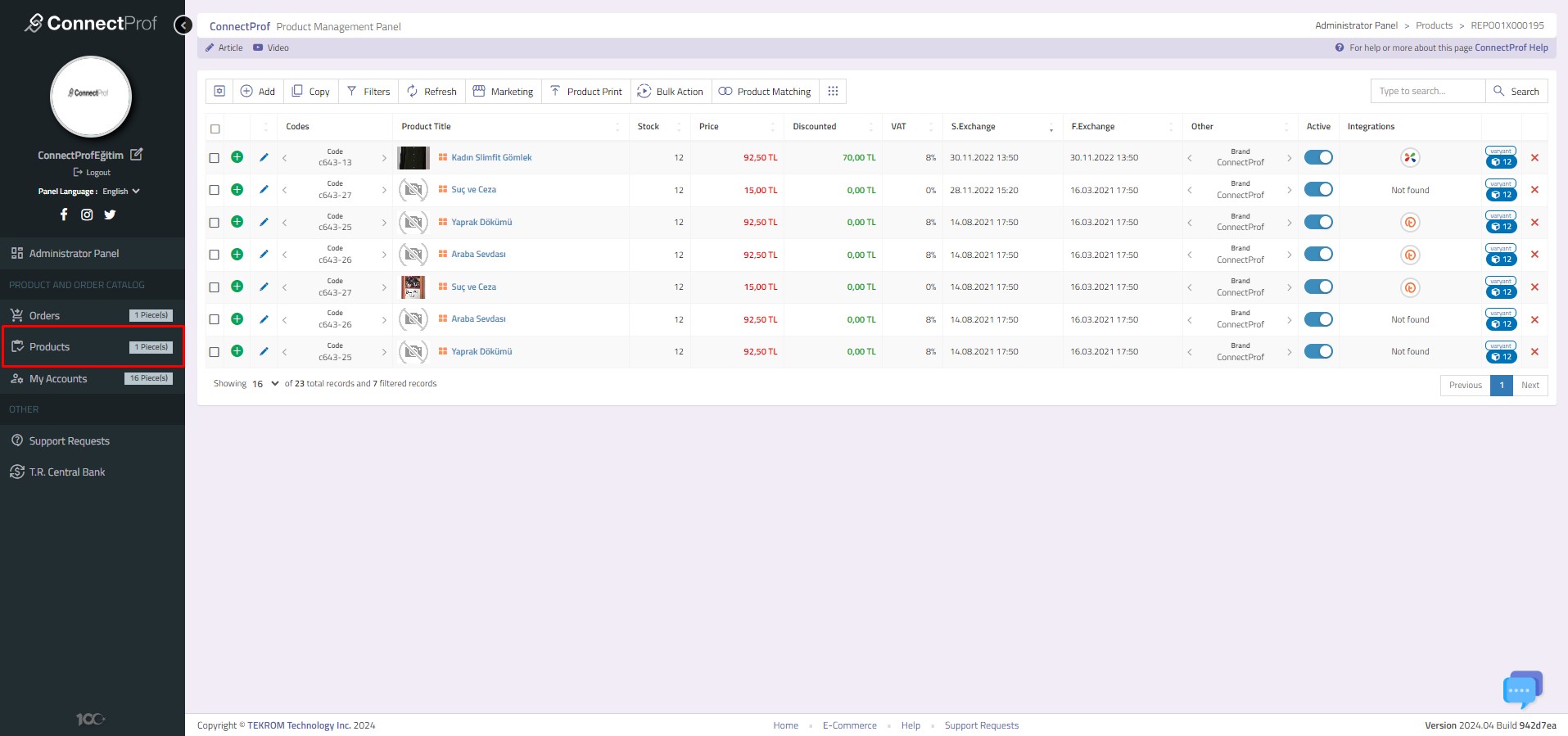
Product List : It contains products taken from your e-commerce site or in XML. You can switch to the products page by clicking on it.
Click here to get detailed information about Product List.
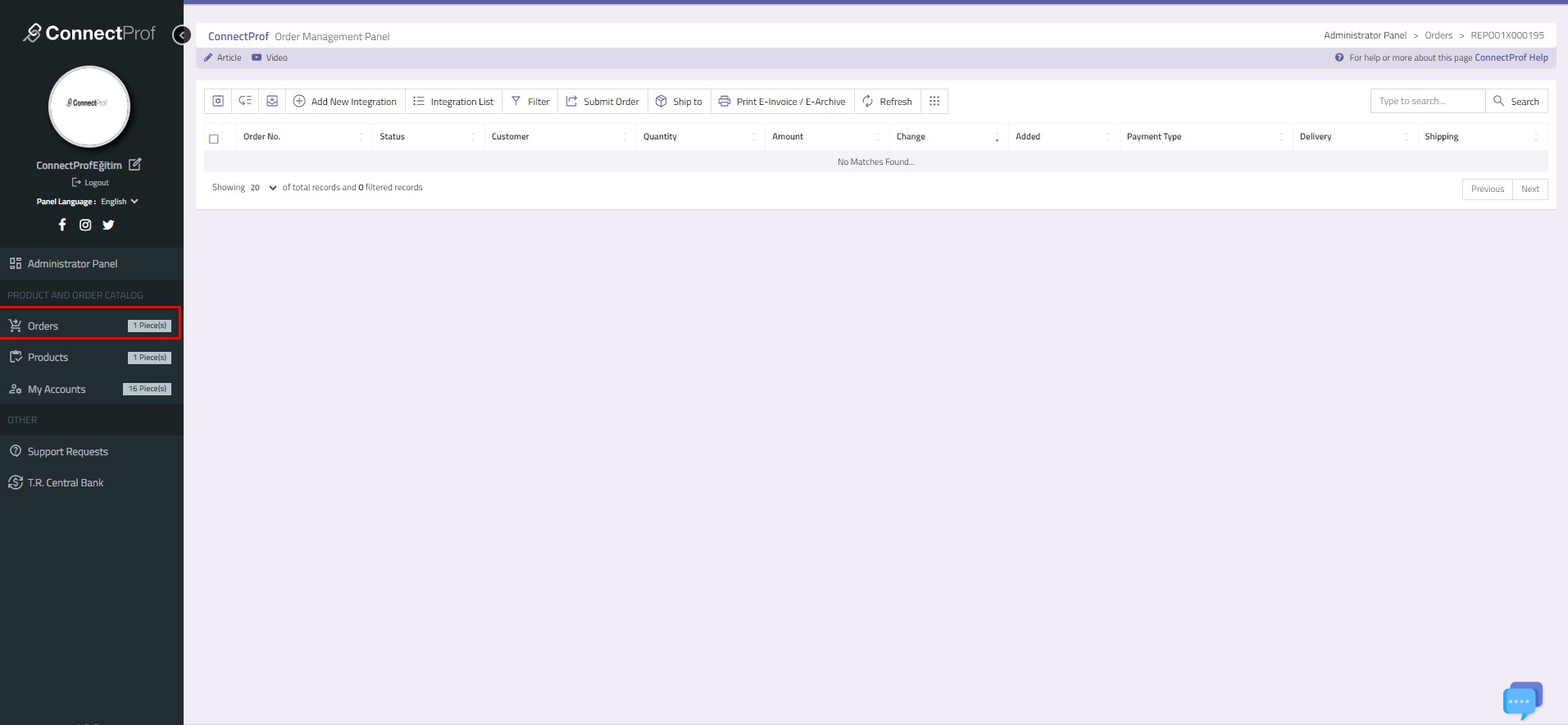
Order List : Orders from the marketplace are located on this page. You can check your orders, transfer or not transfer and invoice transactions on this page. You can switch to the orders page by clicking on it.
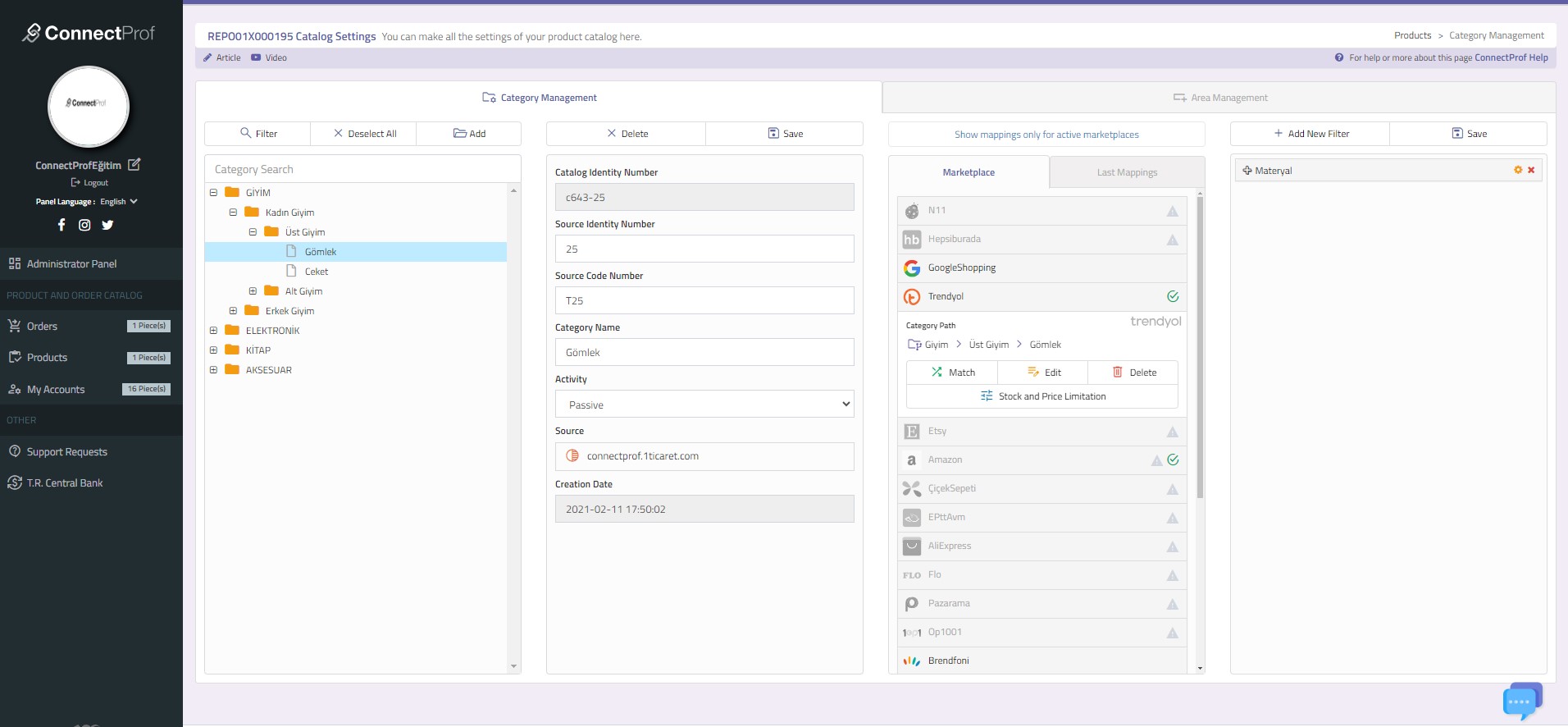
Catalog Settings : There are category mapping, field management and account association fields. You can switch to the catalog settings page by clicking on it.
Click for detailed information about catalog settings.
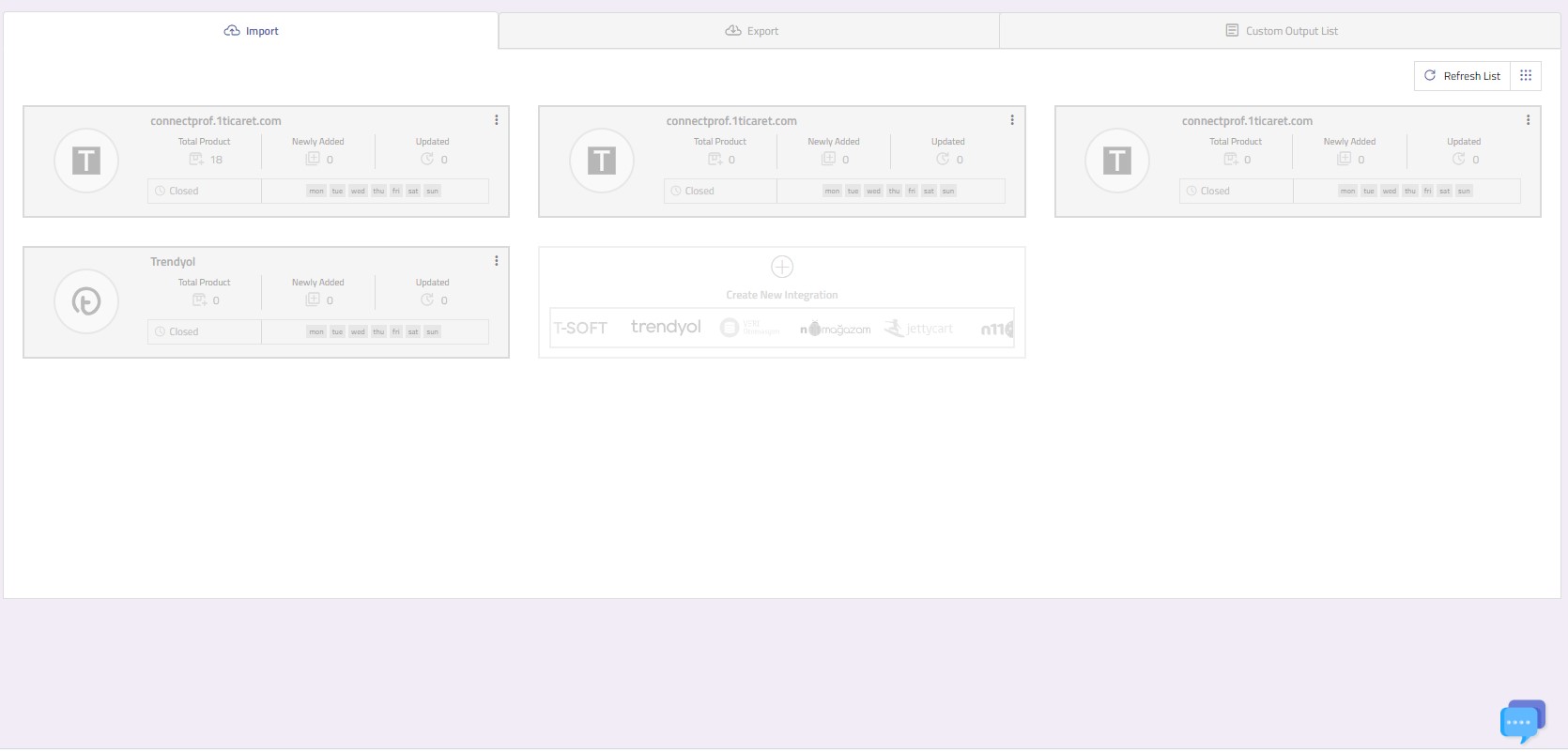
Import : It is used for product transfer from e-commerce site to Connectprof panel. You can switch to the import page by clicking on it.
Click for detailed information about Import.
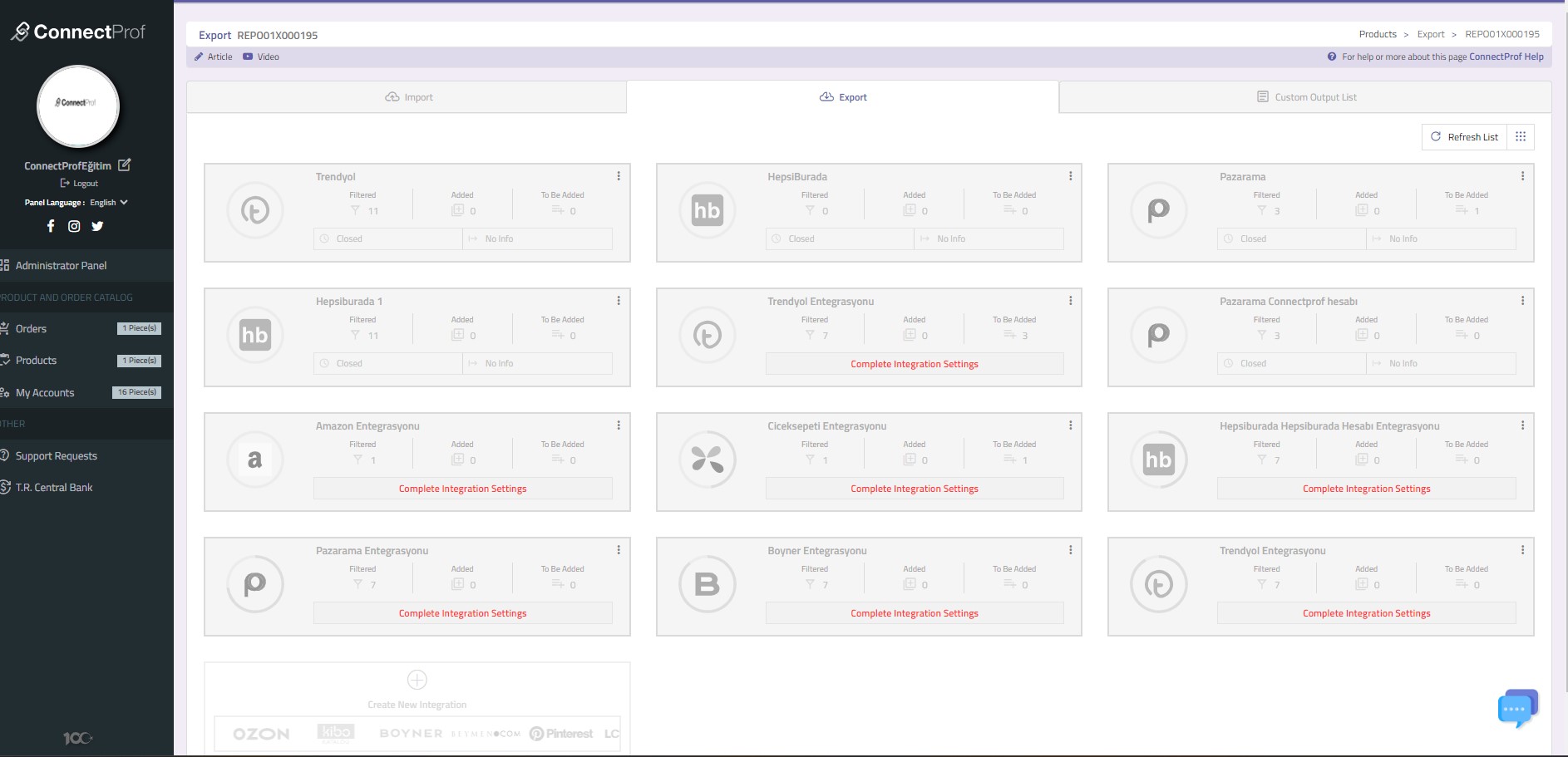
Export : It is used to transfer your products in the ConnectProf panel to the marketplace you use. You can make different arrangements for each marketplace from this area. You can switch to the export page by clicking on it.
Click for detailed information about exporting.
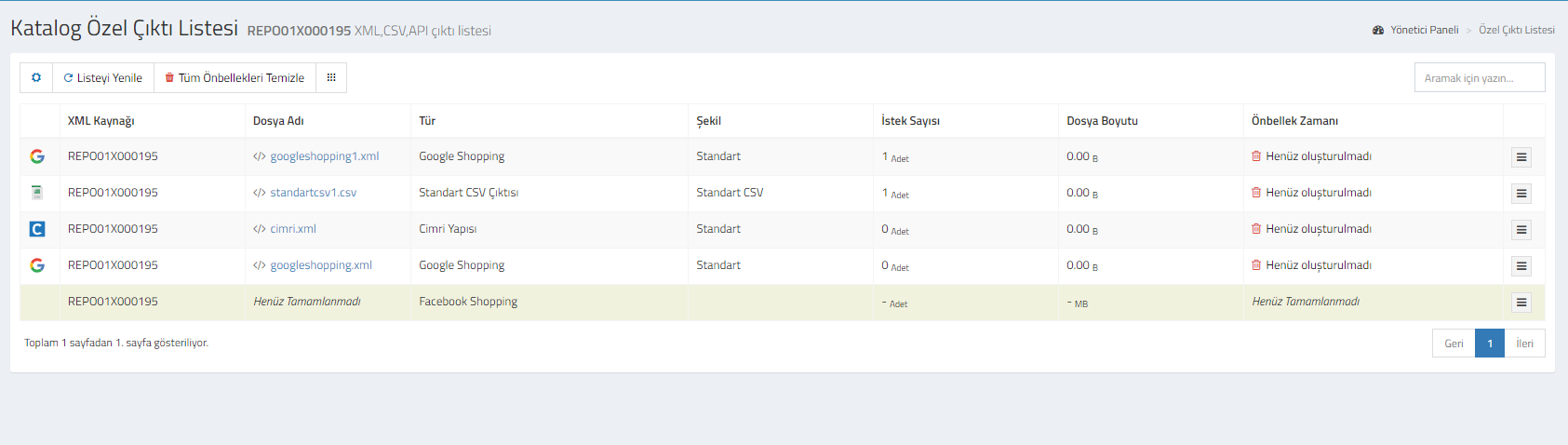
Marketing Outputs : If you are using Google Shopping, Related Marketing Cloud, Facebook XML, Criteo XML, Rich Relevance, RTB House, Reklam Store, Akakçe, Cimri, Epey, standard CSV and XML outputs, your integration will be displayed on this page. You can switch to the marketing outputs page by clicking on it.
Click here for detailed information about marketing outputs.
When your marketplace accounts are connected and you start using them, charts will be available at the entrance to the admin panel.
In the charts, Total earnings, Last 3 months orders, minimum and maximum sales charts of the marketplace you are using will appear. Total rates are written. When you hover over it, you can examine the detailed numbers.
 In addition, there are charts such as marketplace sales view, weekly sales view, sales view by month, top 10 best-selling products, view by delivery address, country-based sales rates. You can examine the numbers when you hover over it.
At the bottom of the page is the news area.
You can switch to the relevant area by clicking on it.