PTTAVM ENTEGRATION
 ChatGPT
 Claude.ai
A marketplace is a business model where various vendors can offer their products or services under one roof, and transactions are often conducted through online platforms. It hosts a significant virtual shopping demand with millions of daily customer visits and clicks.
By using marketplaces, you can reach a larger audience and make more sales for your products on your e-commerce site. This allows you to increase brand awareness, gain loyal customers, and drive traffic to your e-commerce website.
With ConnectProf, you can transfer your products to various marketplaces by pulling them via API or XML.
ConnectProf is an integration platform that helps e-commerce businesses manage PTTAVM stores and synchronize data. Through PTTAVM integration, businesses can automatically synchronize their store inventory and product information via ConnectProf. This enables businesses to keep stock levels up-to-date and provide customers with accurate and current information.
Orders coming from PTTAVM can be easily managed through ConnectProf. Orders are automatically synchronized and quickly displayed to businesses, making processes faster and more efficient.
ConnectProf API services allow you to offer your products and services across different platforms and websites. This helps expand your customer base and reach a wider range of platforms.
If you want to set up PTTAVM integration with ConnectProf, there are certain steps you need to follow.
First, you must have a PTTAVM Seller Account.
Click here to create a seller account.
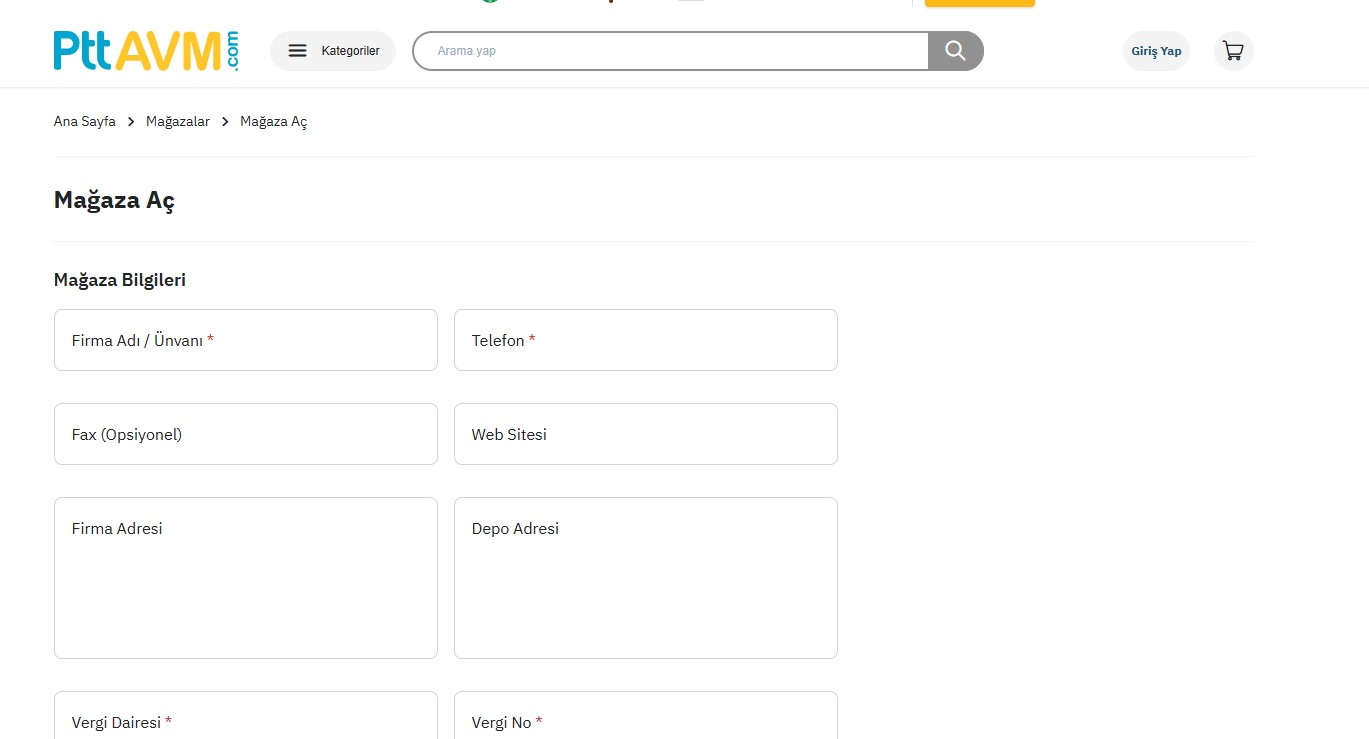
Accessing API Information:
After creating your account on PTTAVM, you can obtain the API by going to the "My Account" > "Integration" > "Integration Information" page. Alternatively, you can request your API information by opening a support request through the PTTAVM Seller Help Panel without dealing with these steps.
Once you have the API information, you need to add it to the ConnectProf Admin Panel and integrate it with your seller panel.
- Connecting Accounts
To transfer your products from ConnectProf to HepsiBurada and start selling actively, you must first establish an account connection.
To create an account connection, click on the "My Accounts" page.
On the opened page, click the "Add New Account (+)" button, select "PTTAVM" as the account type, and click “Continue”.
In the information fields, enter your HepsiBurada API details and click “Continue”.
You will be directed to a test page.
The test result will check the marketplace type and verify the correctness of the API information you have entered. If the account information is incorrect, you will receive a warning.
Once the setup is successful, you will need to specify an account name in this section.
The name you add is required to distinguish between multiple integrations, but it has no relation to any other field.
If the API connection test is successful, you can click the "Add to API List" button to connect your PTTAVM account to ConnectProf.
For license activation procedures, you can contact our support department.
