Stingy Structure
 ChatGPT
 Claude.ai
With ConnectProf, you can list and update all your products on Cimri.
It offers the opportunity to synchronize the stock and price information of your products in Cimri with the stock and price information on your e-commerce site in bulk.
You can create Cimri XML output and publish unlimited products.
You can add features such as product status, shipping time, sub-title to the products you will send to Cimri in bulk from ConnectProf.
NOTE : Cimri XML output works depending on the license. If you have a license, you can create a support request to activate it. If you do not have a license, you can get detailed information from the sales representative on the subject.
To create a Cimri catalog structure, click "Products" from the admin panel.
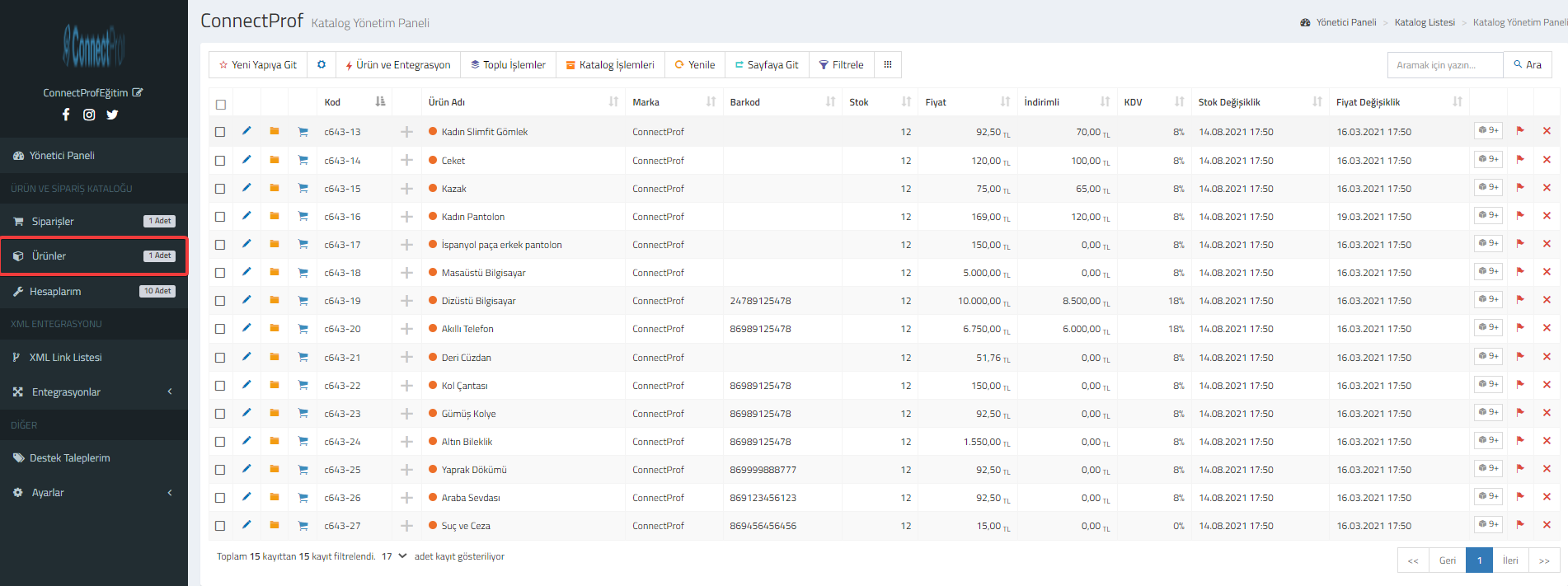
Your products will be listed.
Filter the products you want to print.
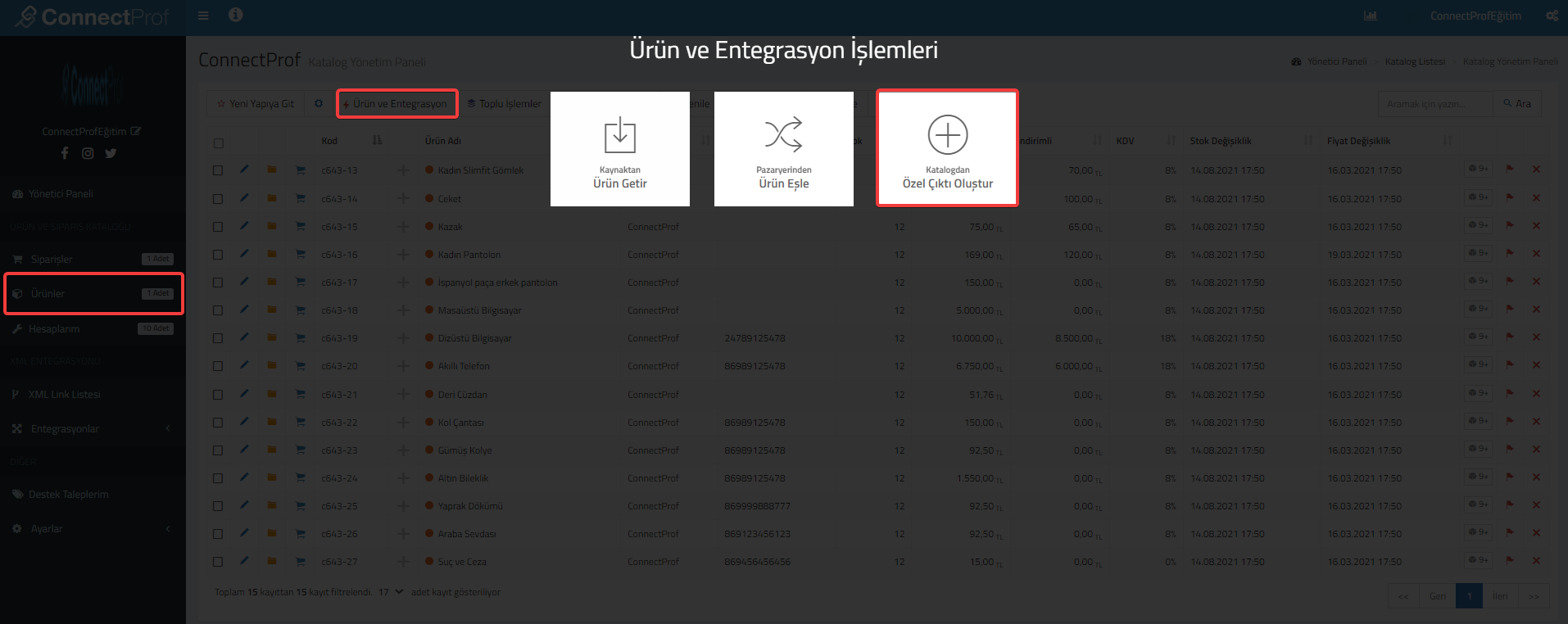
Click on Product and Integration > Create Custom Output from Catalog.
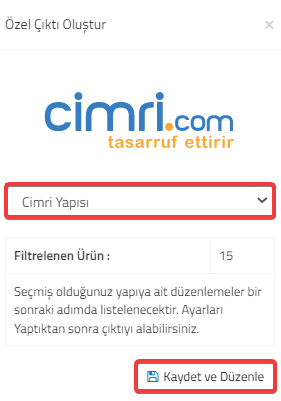
Select "Stingy Structure" for the Special Output. Then click on the "Save and Edit" button.
If you are sure that the warning is correct, click "Continue" and then "OK".
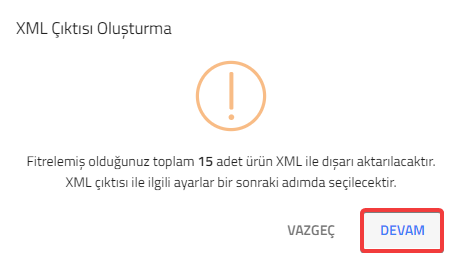
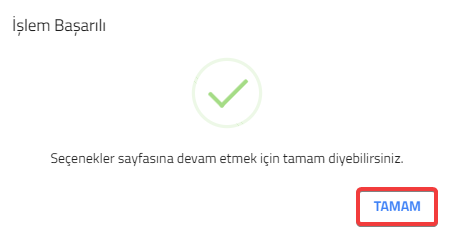
The page where you can make settings for Cimri XML output will open.
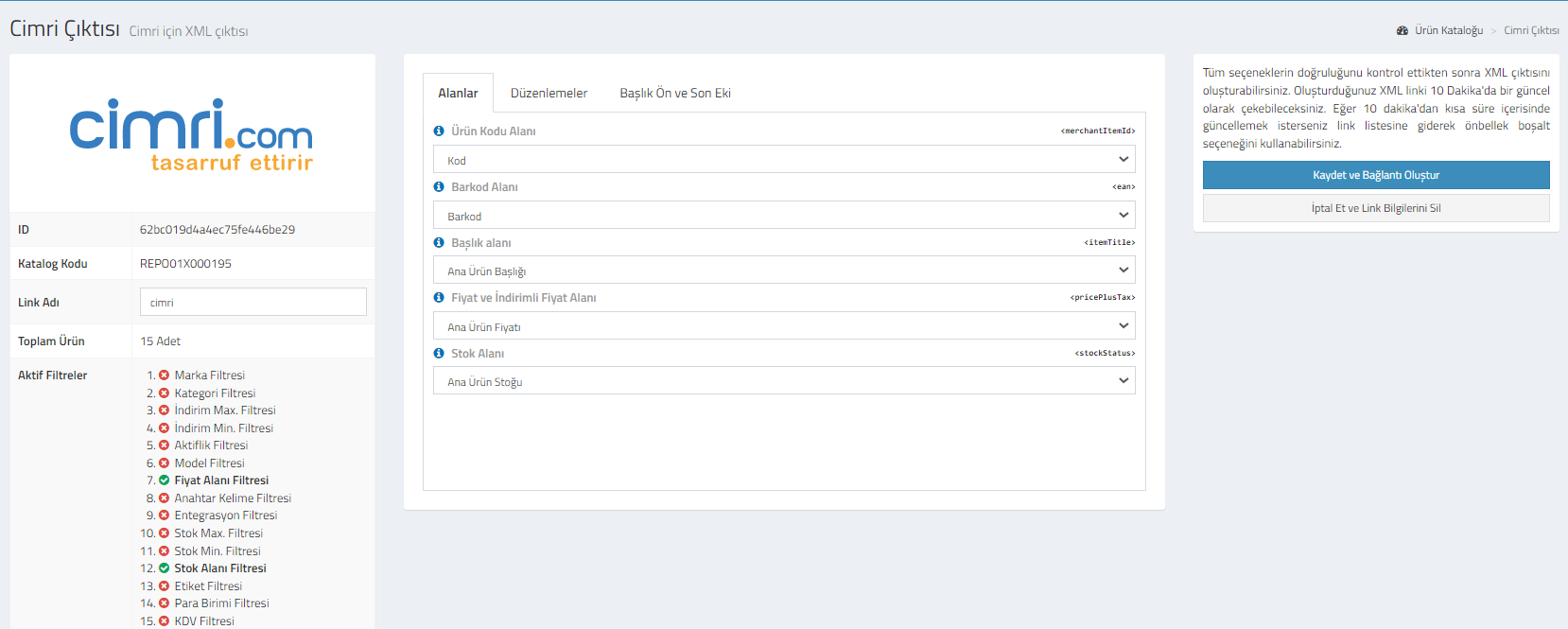
Cimri : You can review your catalog information.Id, catalog code, link name, total product and active filters. You can change the link name if you wish.
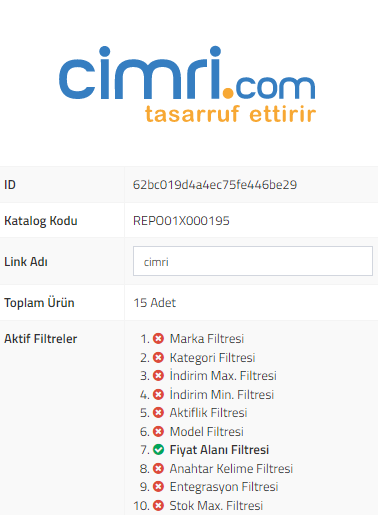
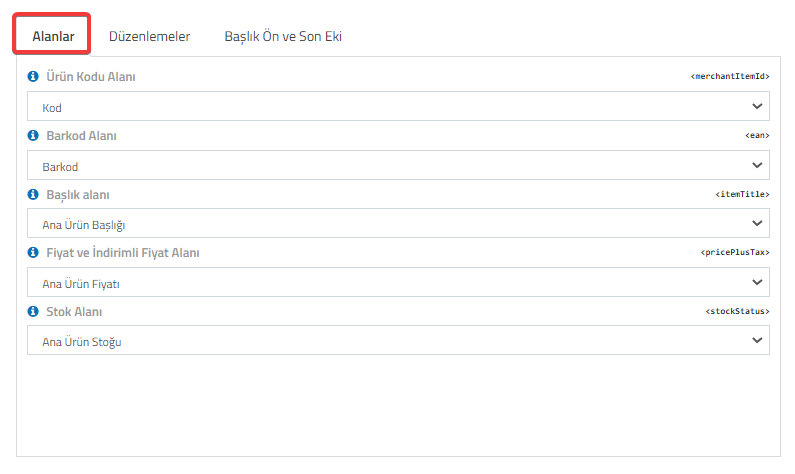
Fields : You can choose which information you want to transfer when transferring product code, barcode, title, price-discounted price and stock fields.
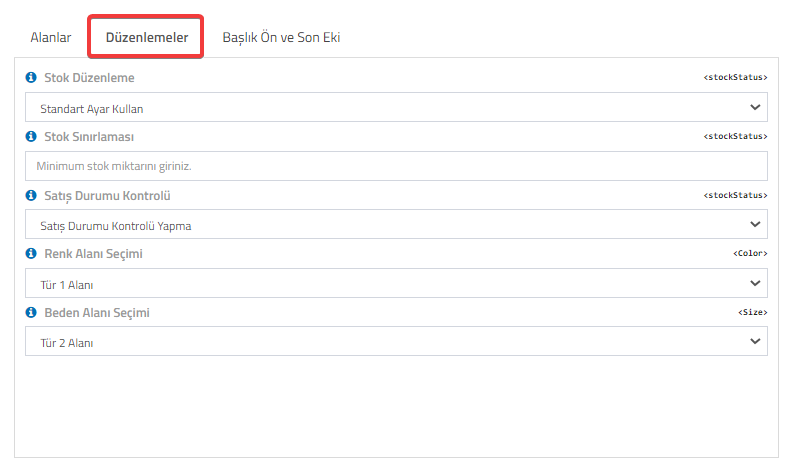
Edits : You can use it to edit the created XML information. You can edit the description, image fields, and choose whether or not to check the sales status. Color and Size Field edits are not made on this page.
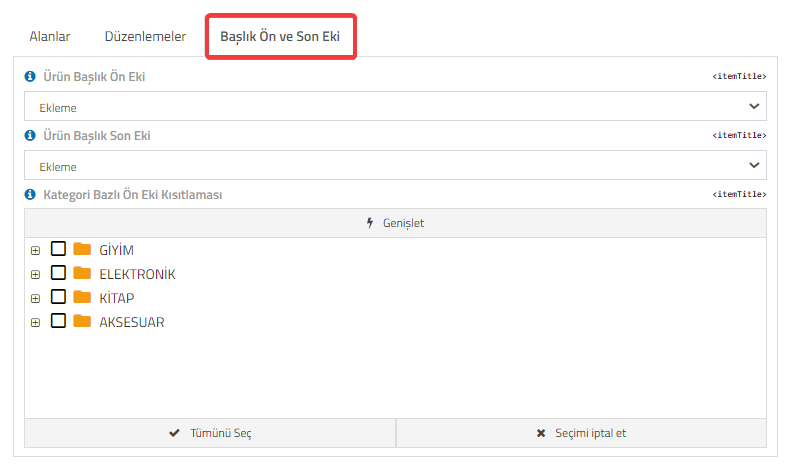
Title Prefix and Postfix : You can add prefixes or suffixes before or after product titles, and you can also restrict prefixes based on category.
If you want to cancel the selections made, click on the "Cancel and Delete My Link Information" button.
After checking that all options are correct, click on the "Save and Create Link" button to generate the XML output.
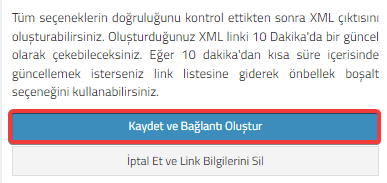
You will be able to pull the XML link you created every 10 minutes. If you want to update it in less than 10 minutes, you can go to the link list and use the empty cache option.
Click the "OK" button for the warning message after clicking.
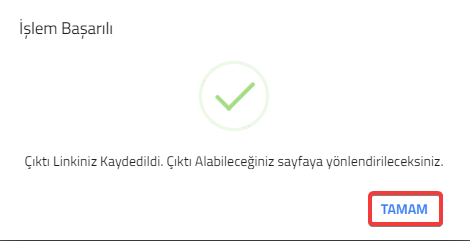
Your link will be created.
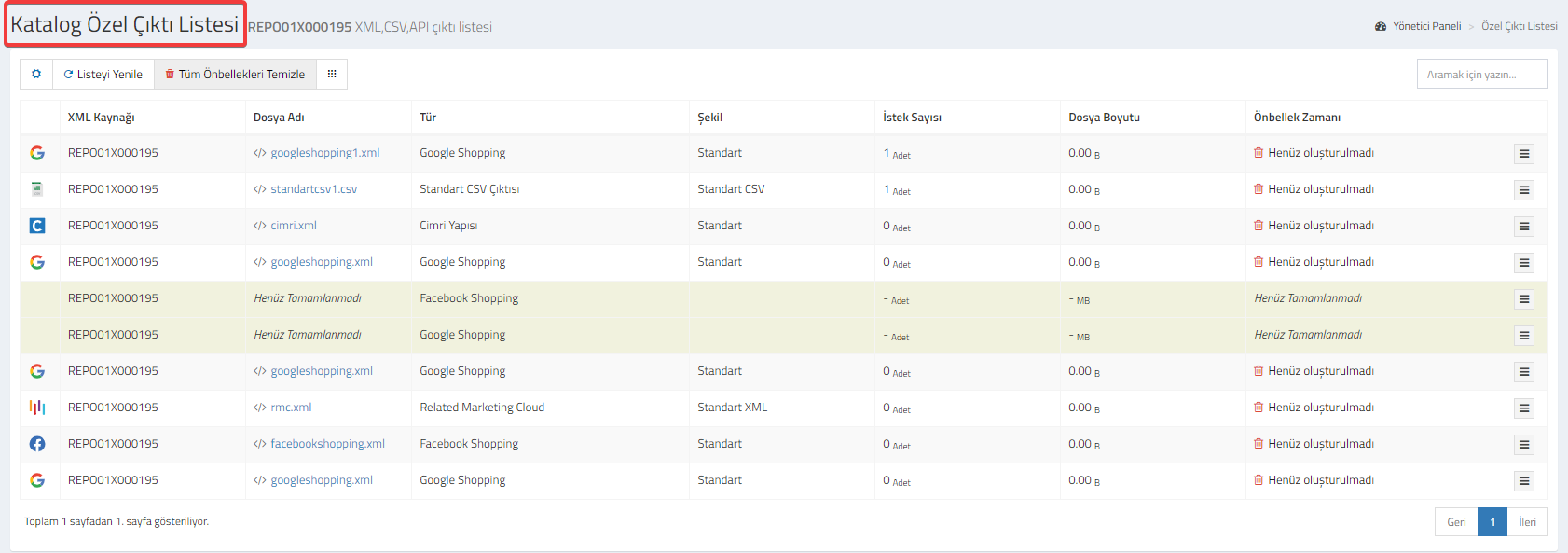
You can check and edit your link and its details from the "Catalog Special Output List" page. Click here for detailed information about Catalog Special Output List.